Menu

TRACK · PLAY · IMPROVE

Questions and answers

Which phones and watches does PUNTRA work on?

Phone and tablet scoring require Android API 30 or later. The Wear OS build also sets API 30 as its minimum.

Do I need a watch?

Score on an Android phone or tablet, or use a Wear OS watch. A watch is optional.
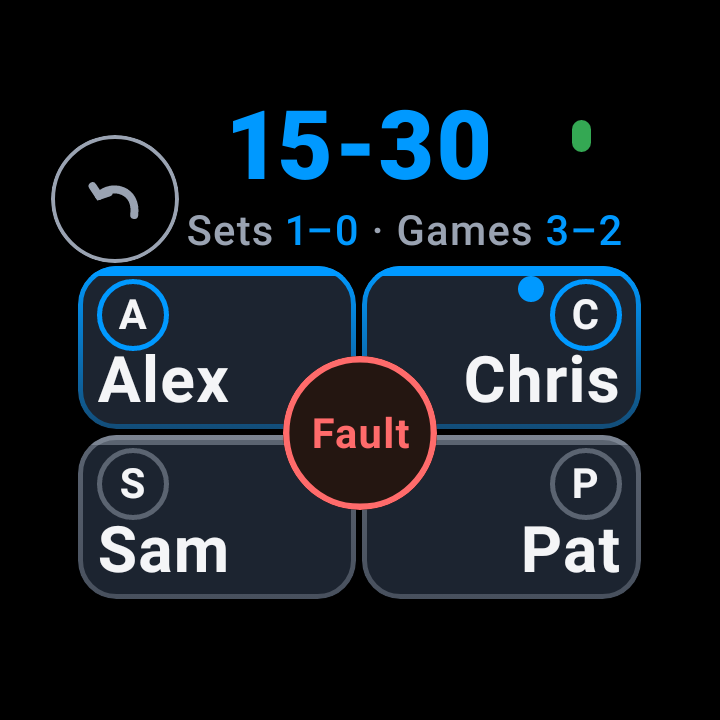
Sample · Wear OS watch

Do I need an account?

Google sign-in enables cloud backup and restore; anonymous matches remain on the phone until sign-in.

How do I share a match with the other players?

Share a scorecard as an image and text. An eligible completed match can also provide a confirmed link and QR code.
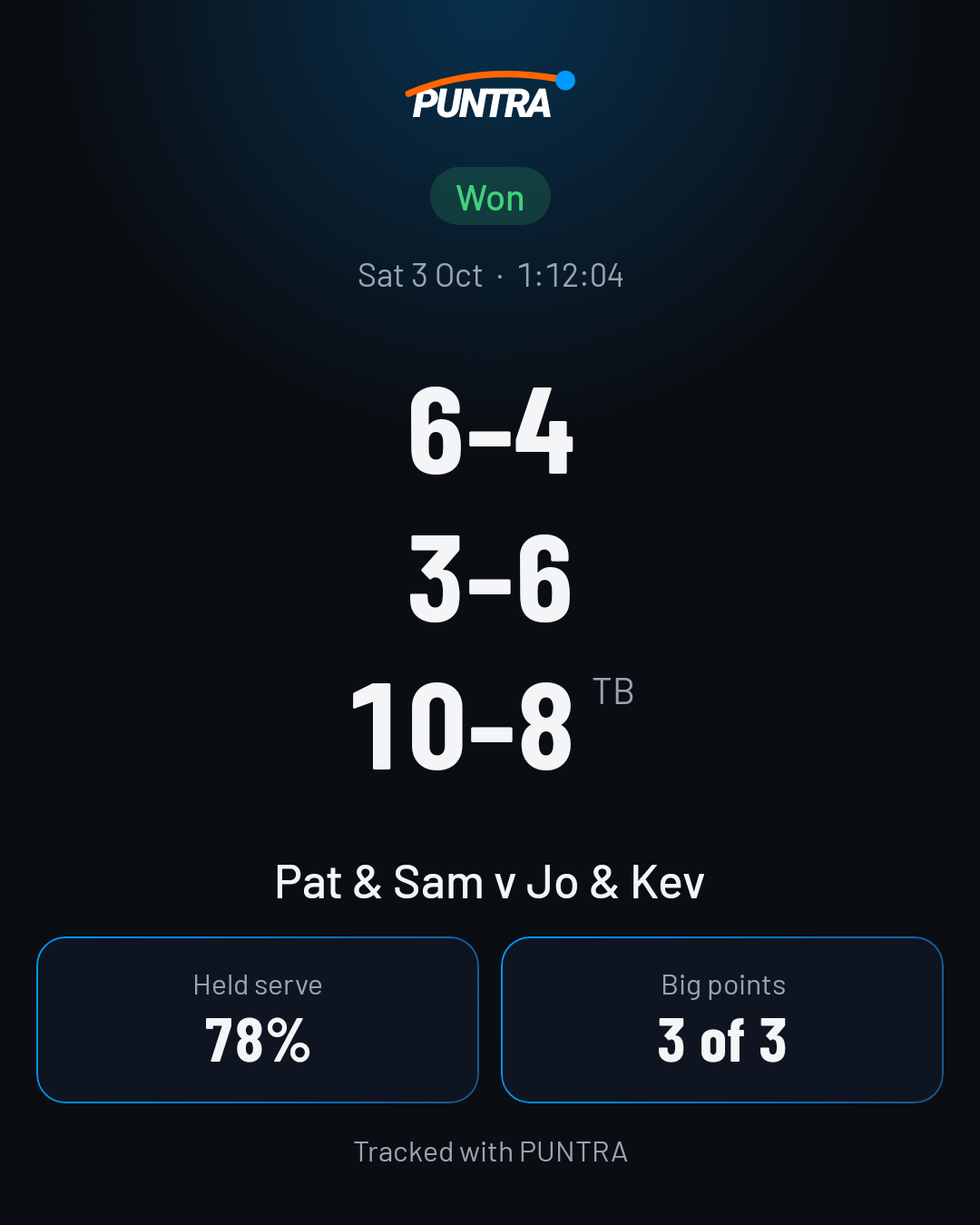
Share the result
Sample

Who can see my stats?

We don't sell your data. Your match analysis, scouting and health data stay private to you, unless you choose to share them.

What do I get with Pro?

  • With Pro and enough recorded history, prepare a game plan for an opponent pair.
  • With Pro and reminders enabled, a set-break line can appear between sets. Tournament mode keeps it off.

How do I cancel Pro?

You manage and cancel your subscription in Google Play. Terms

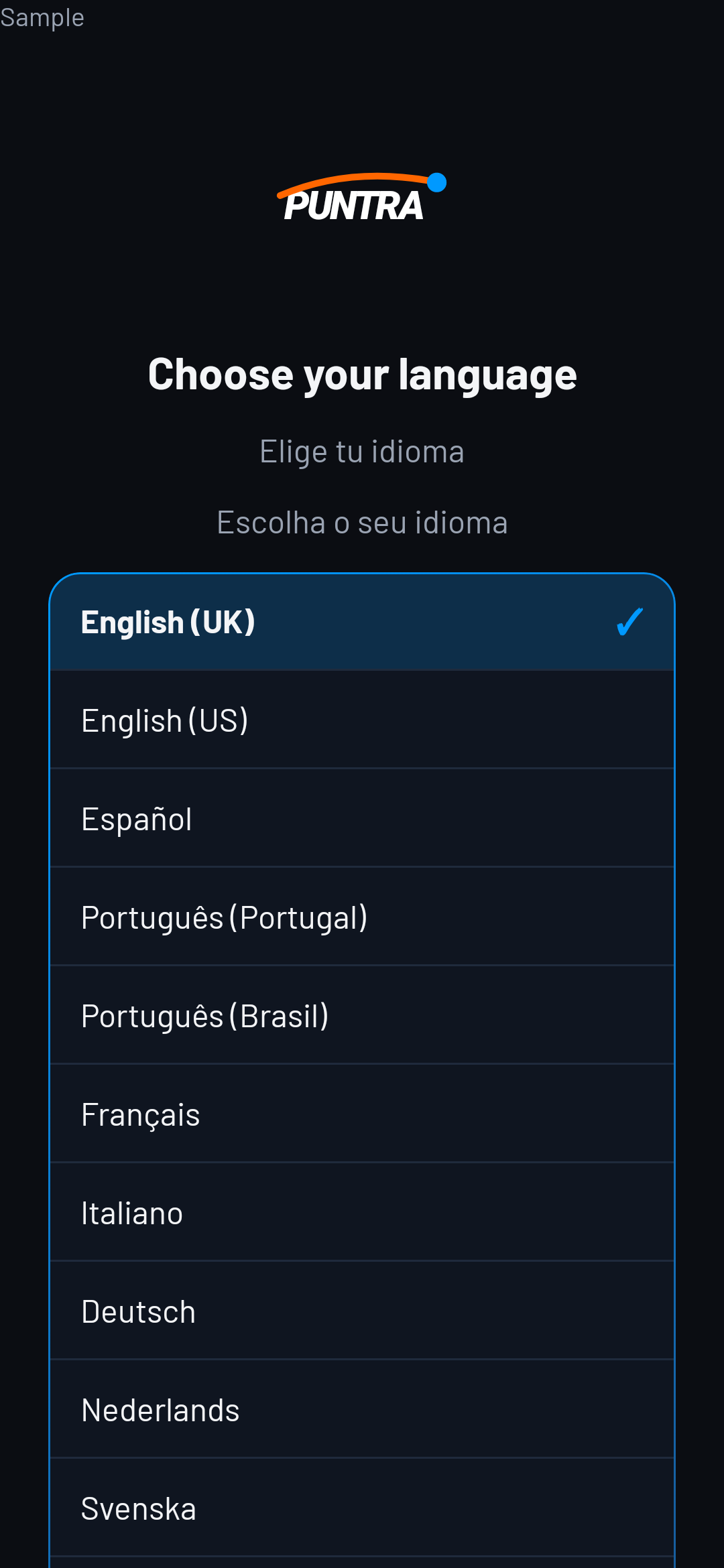
Which languages is the app in?

The release language list always includes English as the fallback.

English is the release fallback. Other language options depend on completed translations and release settings.
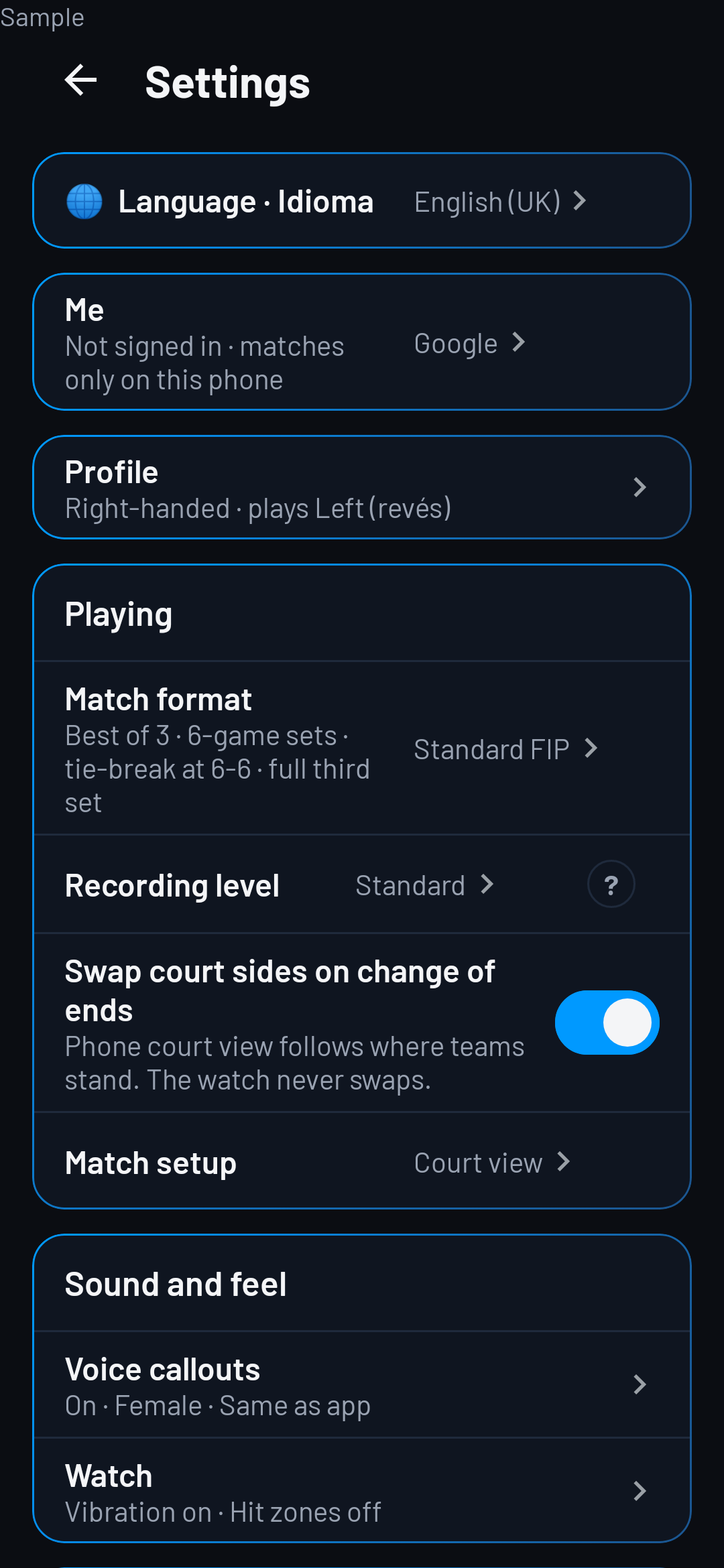
Settings

Sample · Settings
Sample · Settings
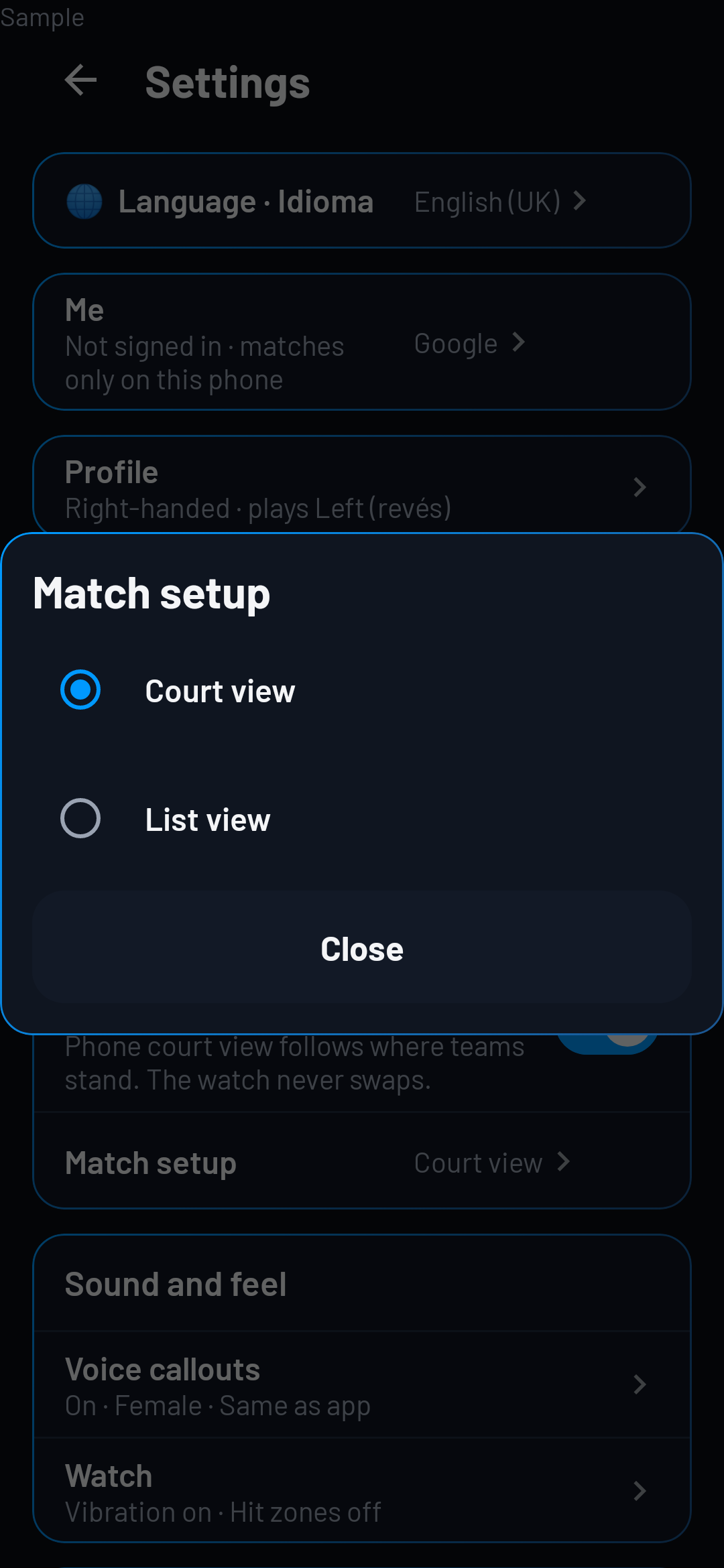
Sample · Settings · Match setup

App language

  • Choose your language
Sample · App language

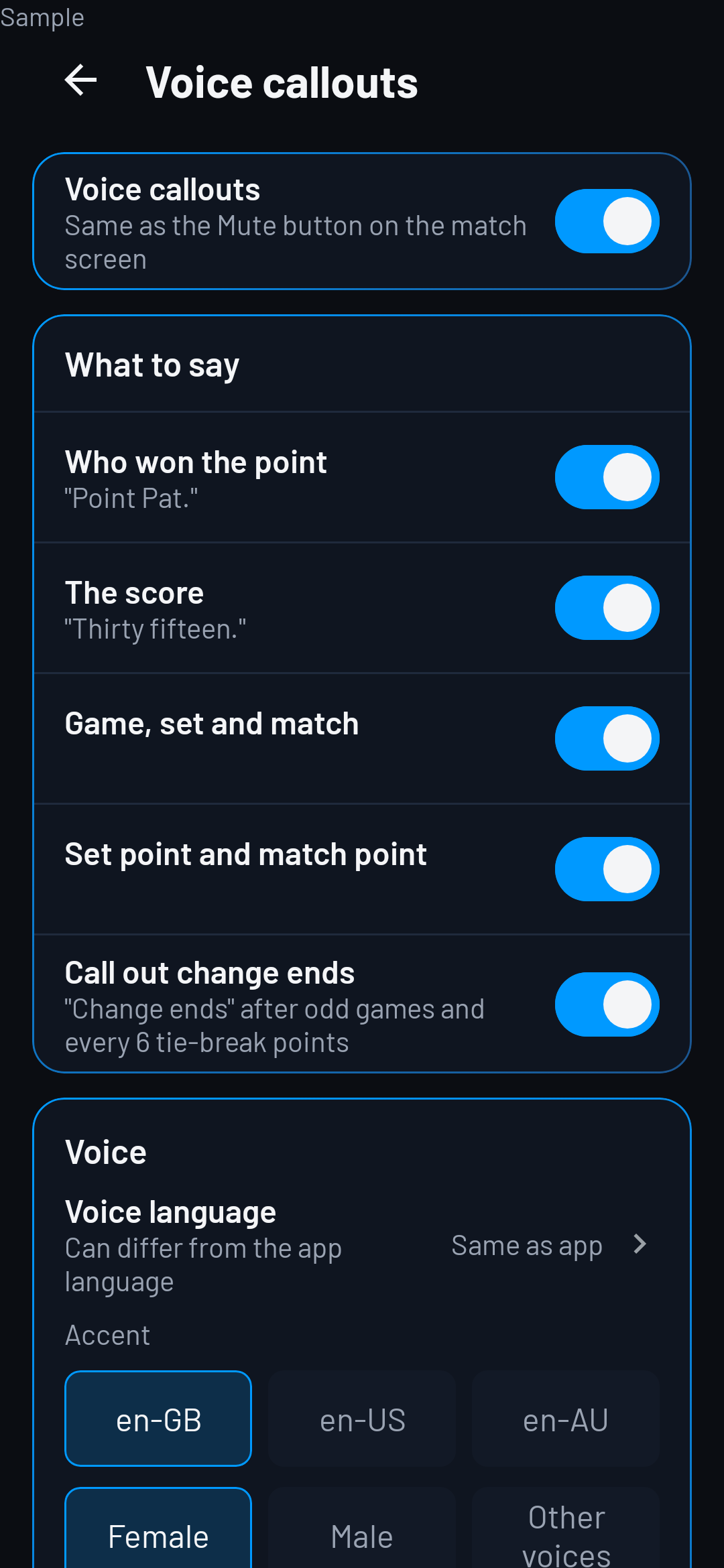
Voice callouts

  • Voice language
  • Can differ from the app language
Sample · Voice callouts

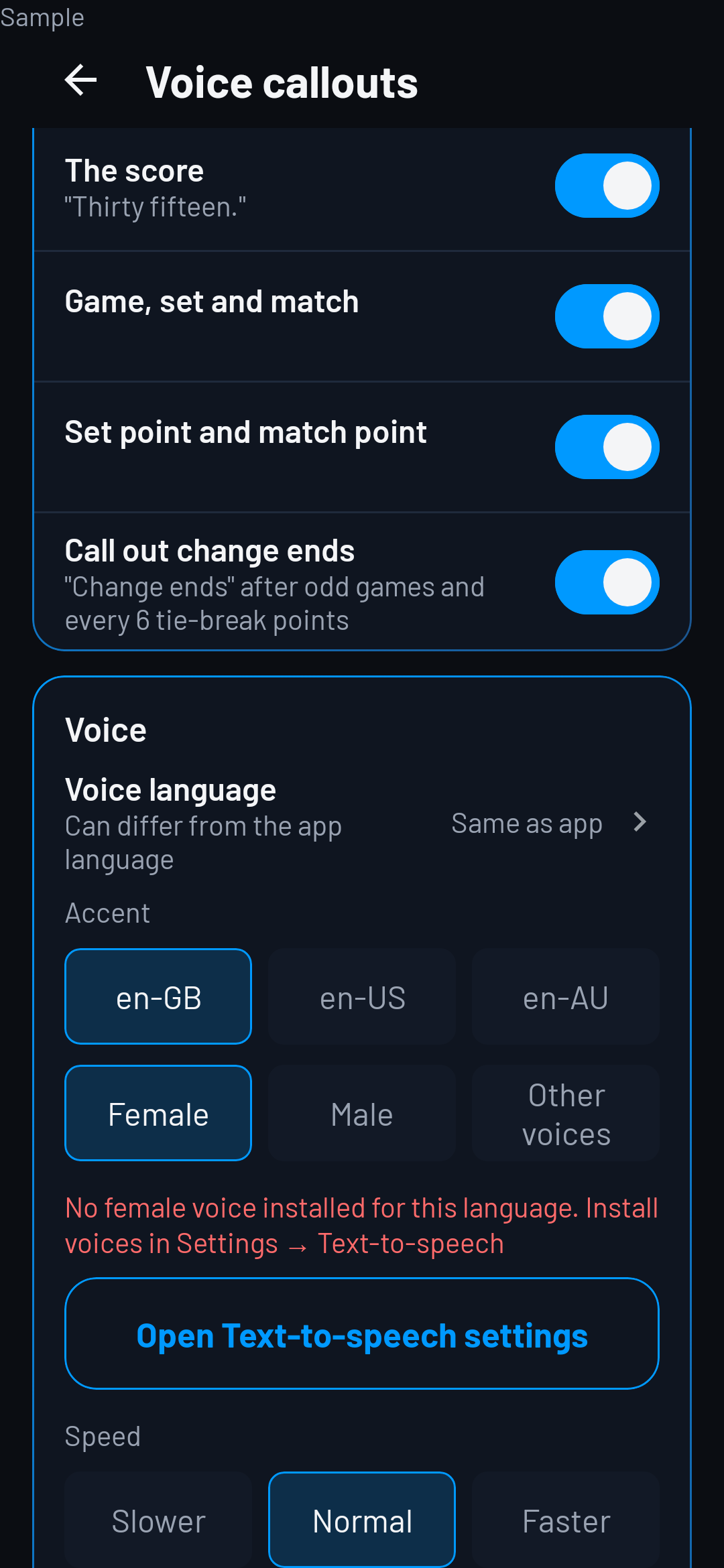
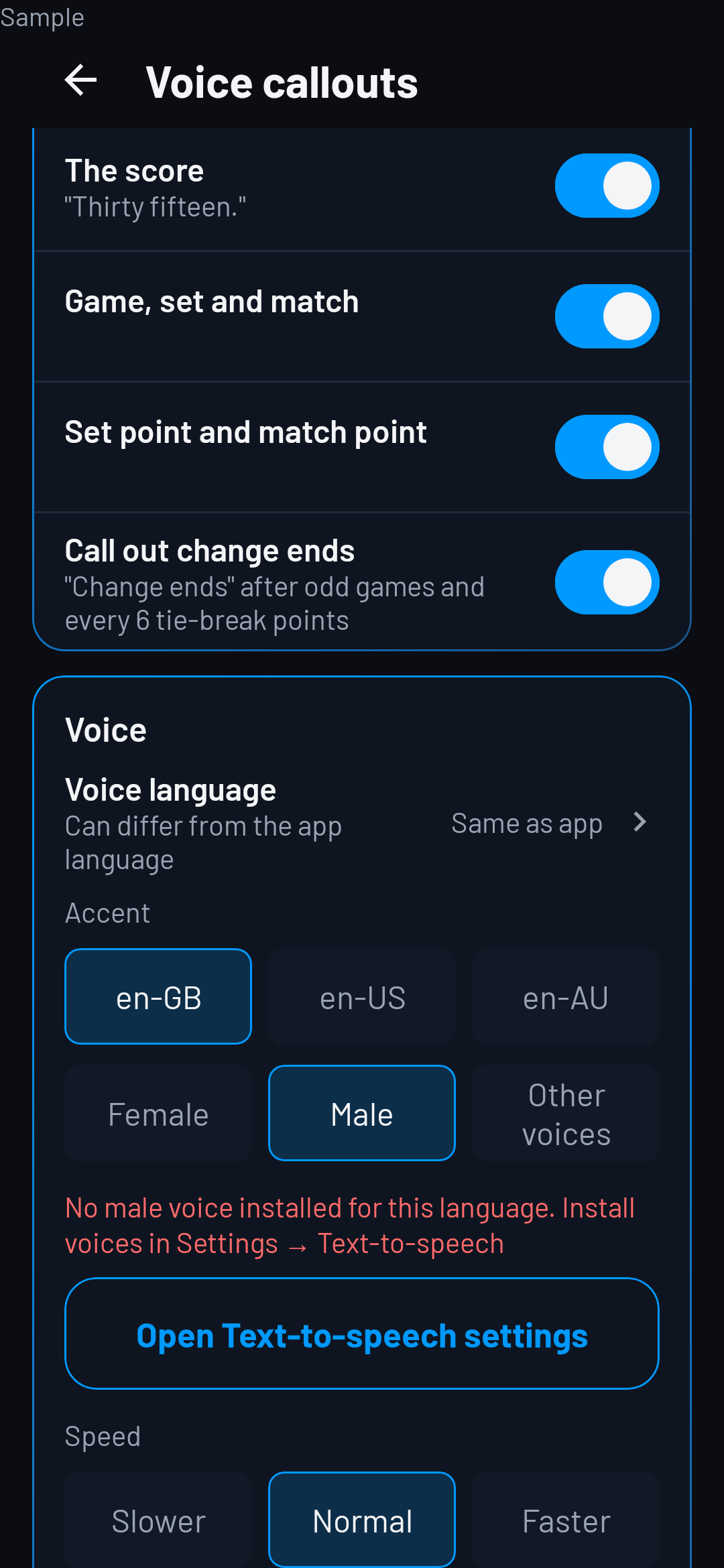
Voice

  • Installed voices
  • Female · Male · Other voices
  • Accent
  • Speed · Slower · Normal · Faster
Sample · Voice · Female
Sample · Voice · Male

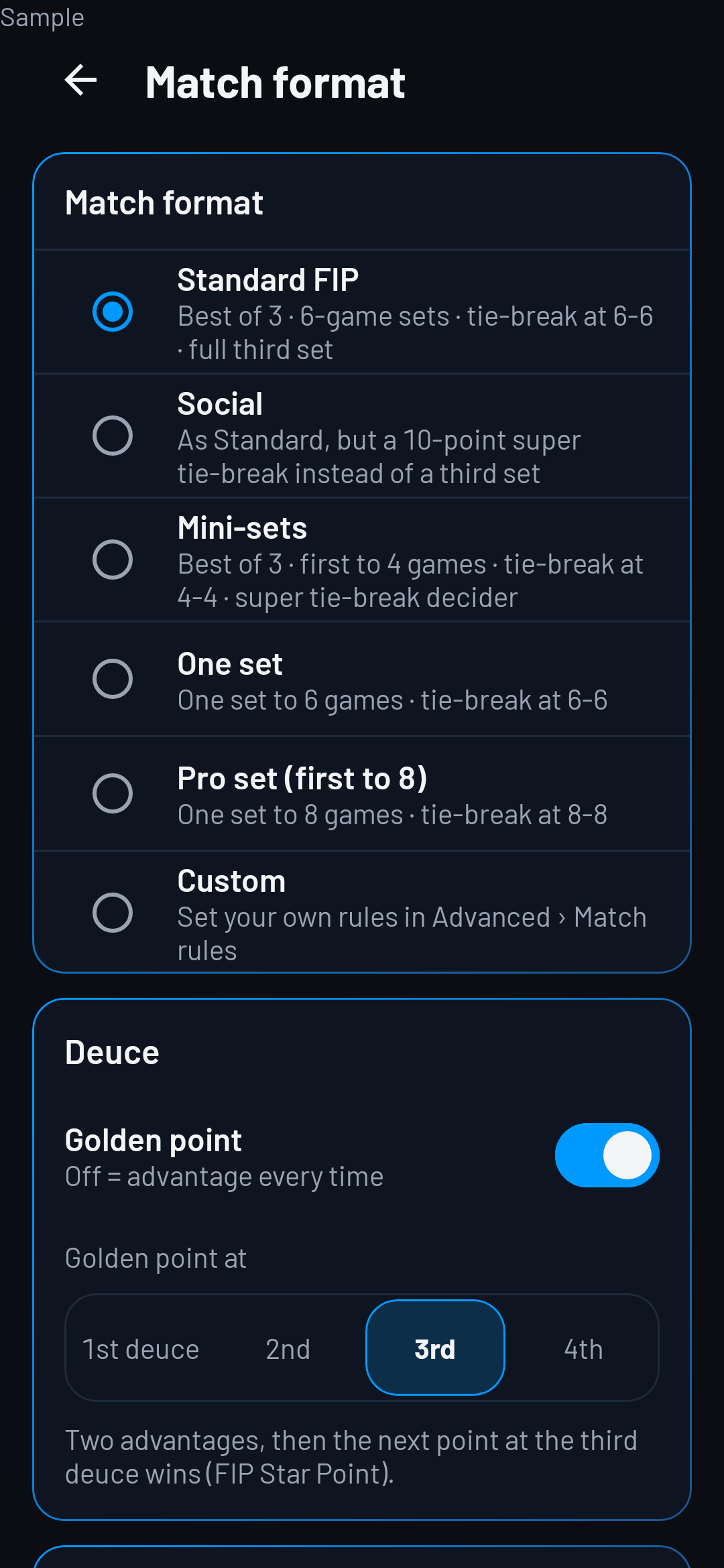
Rules

  • Standard FIP
  • Social
  • Mini-sets
  • Custom
Sample · Settings · Rules

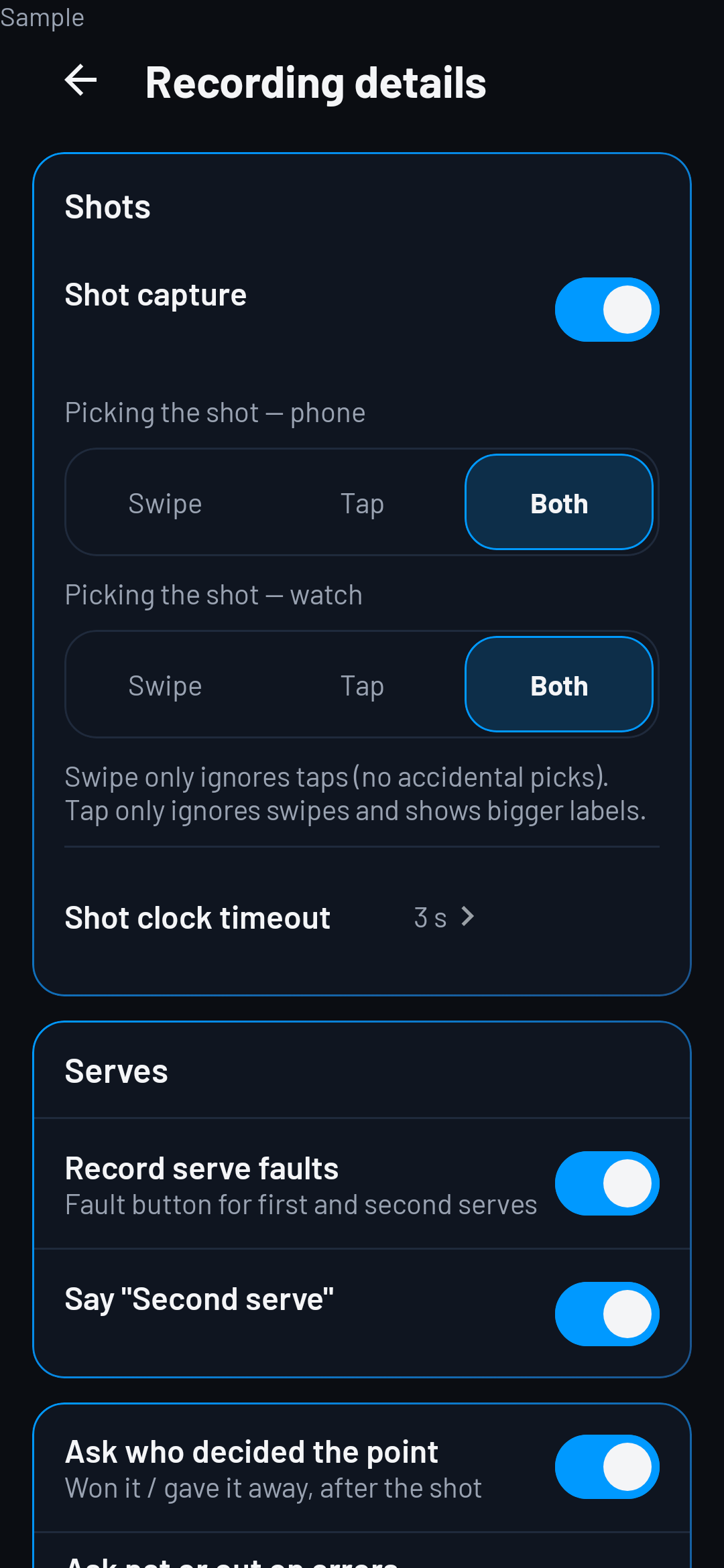
Recording level

  • Quick
  • Standard
  • Advanced
Sample · Settings · Recording level

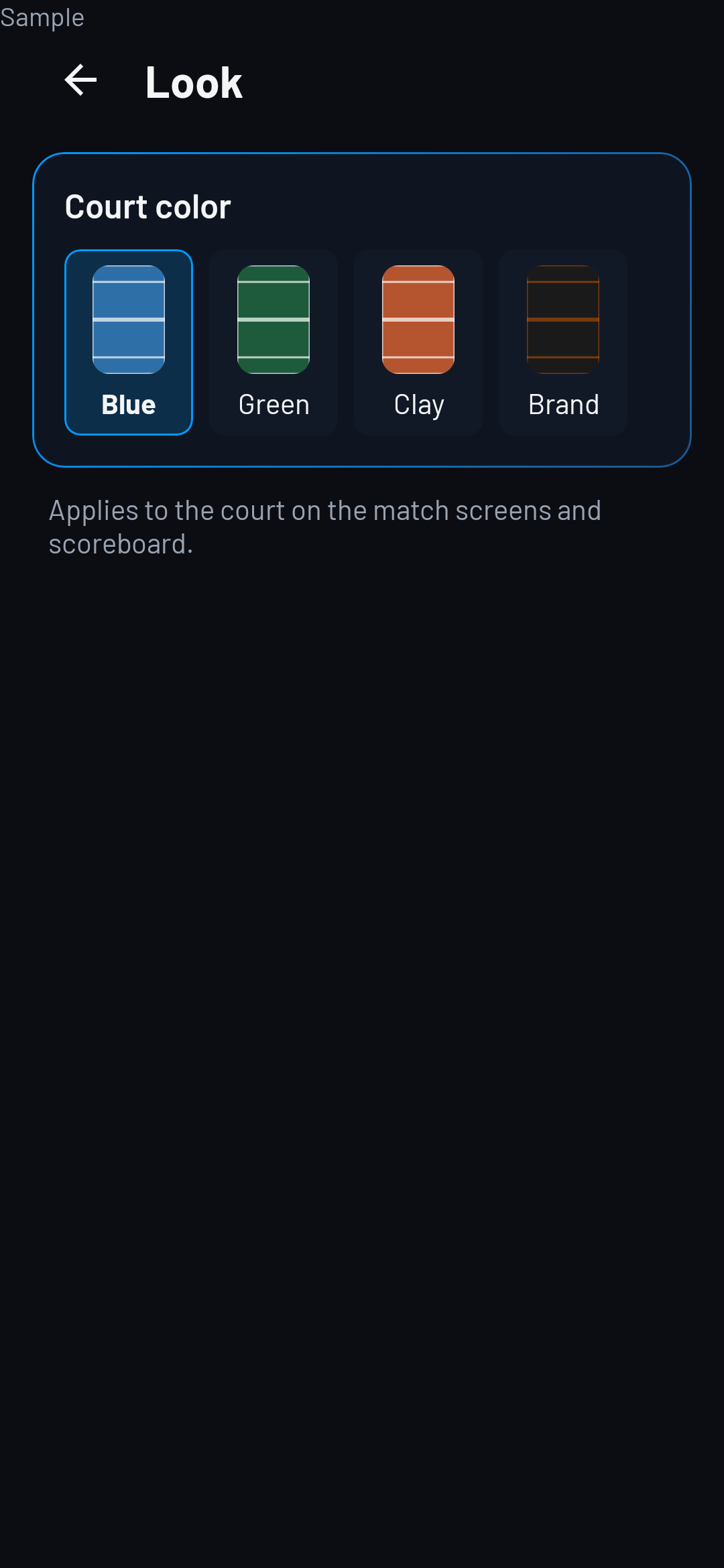
Court colour

  • Applies to the court on the match screens and scoreboard.
  • Blue
  • Green
  • Clay
  • Brand
Sample · Court colour

How do I delete my account and data?

Settings → Account → Delete my account.

Open Settings, then Account, then Delete my account.