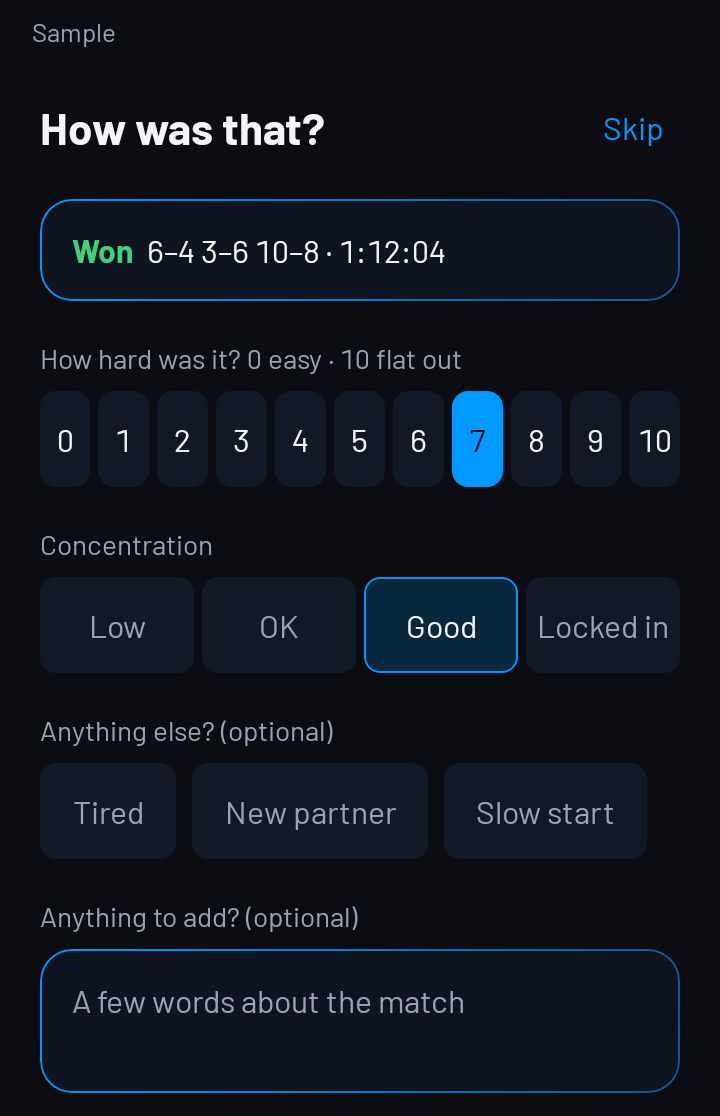
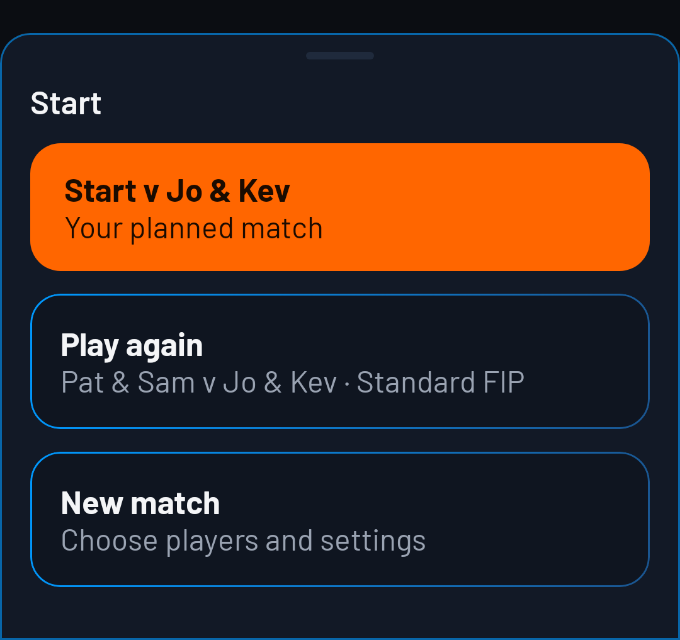
Open the Start sheet to begin a new match.
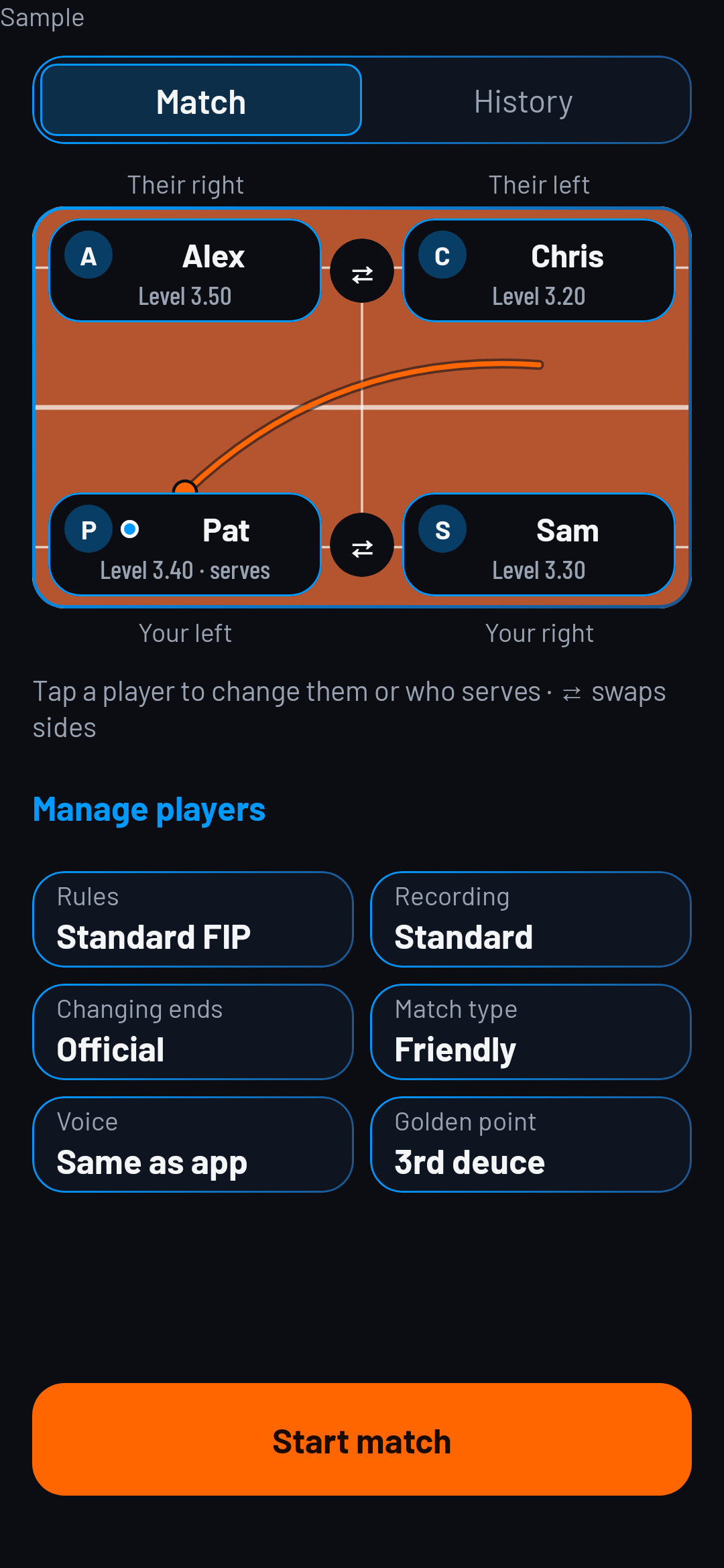
Choose the players, scoring rules, changing-ends setting and recording detail before starting.
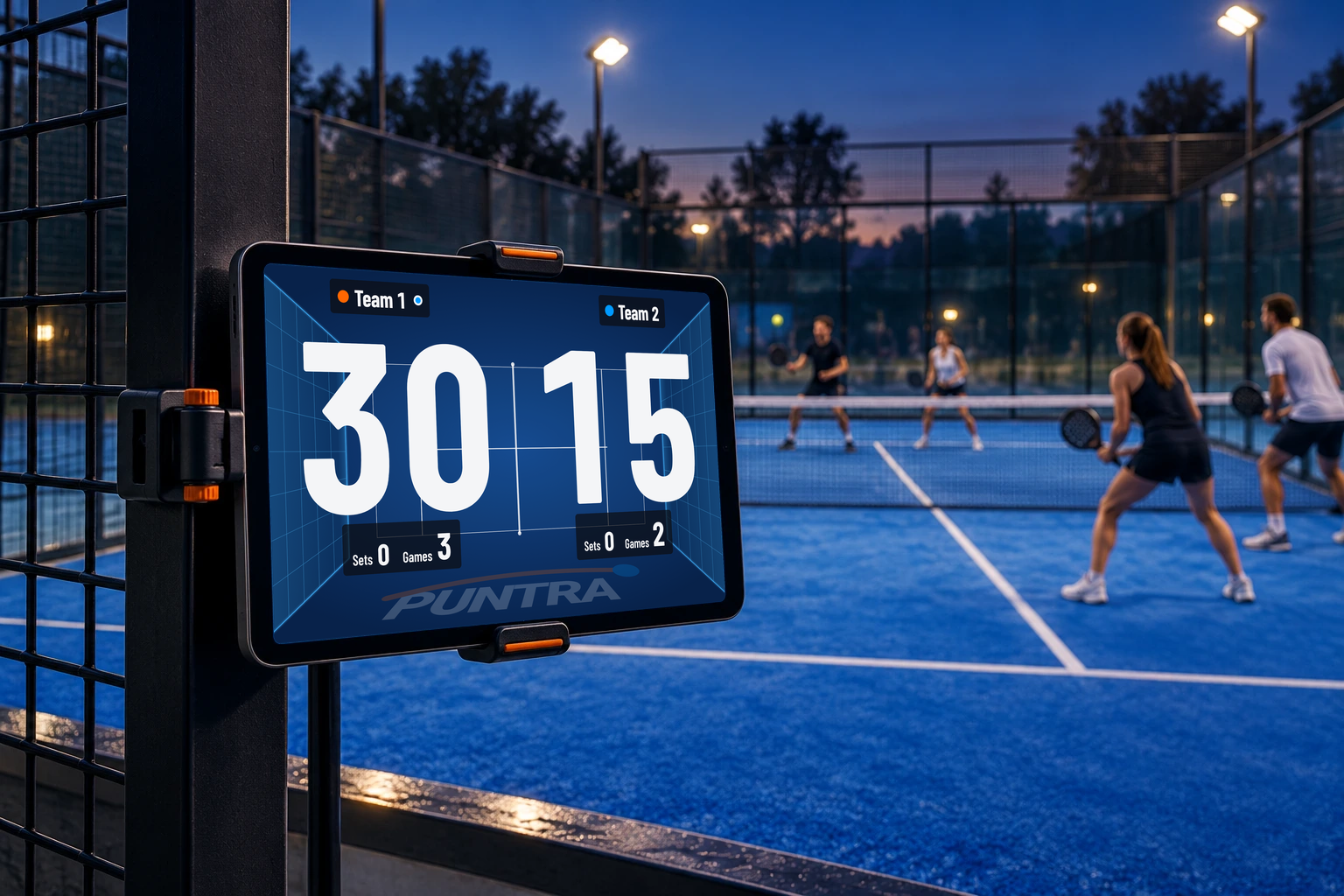
Use your phone or tablet as a courtside scoreboard, controlled from your watch.
Choose the players, scoring rules, changing-ends setting and recording detail before starting.
Use the match controls to record points; choose a recording setting for the detail you want to enter.
Use Undo to correct the last point, or Pause to pause play.
Choose Quick, Standard or Advanced recording to control how much detail you enter.
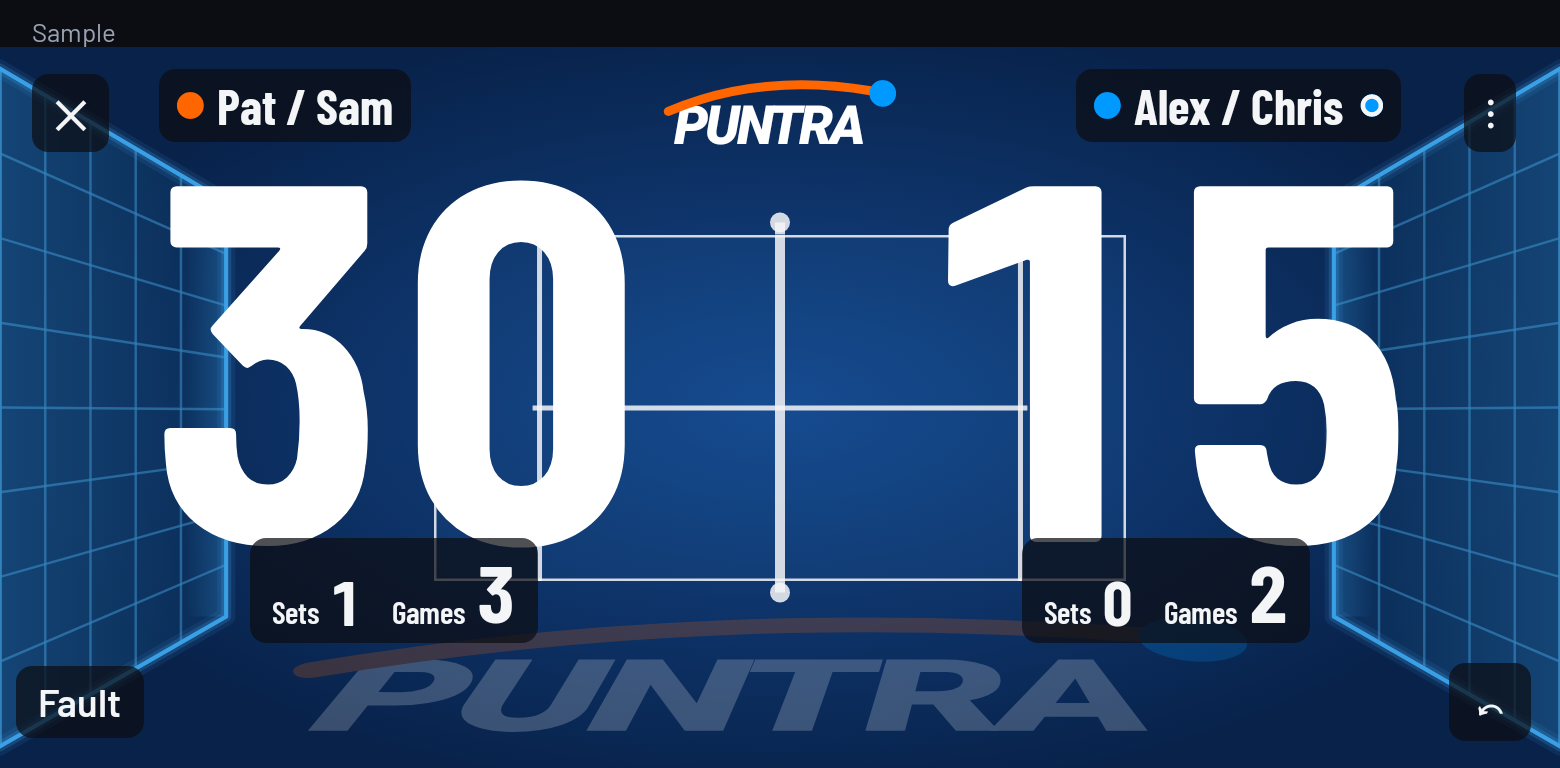
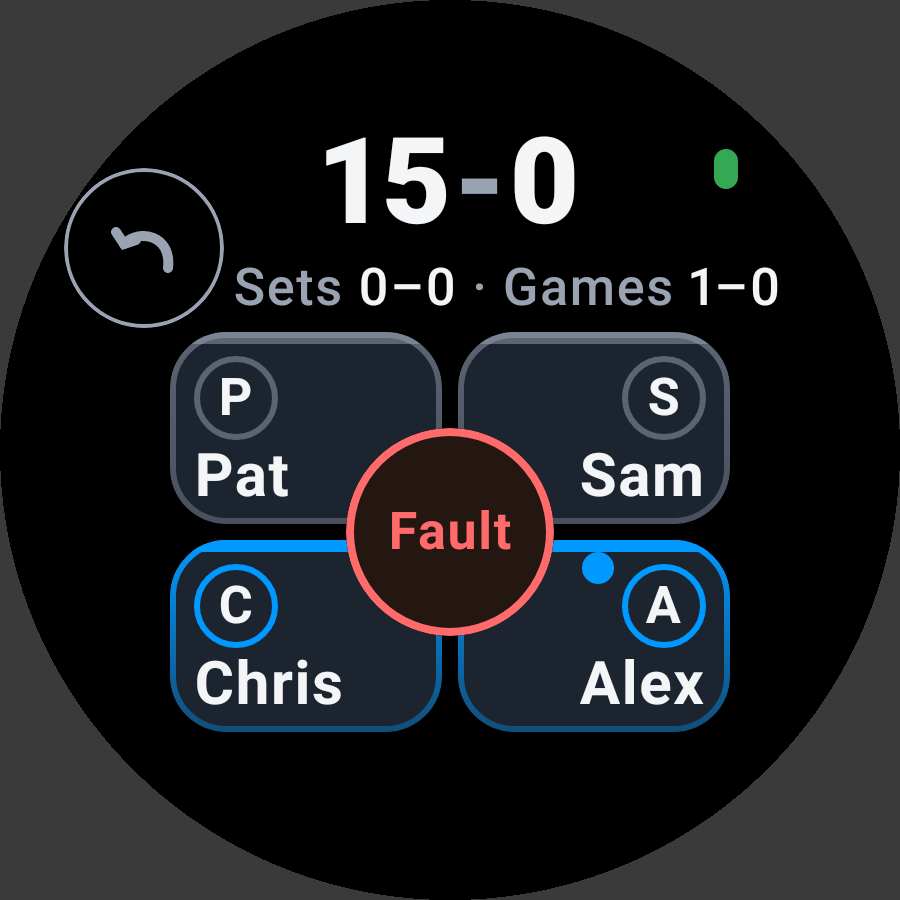
App screens in English
To record position, hold the score to open the watch menu and turn Hit zones on.
Start with the player whose action ended the point.
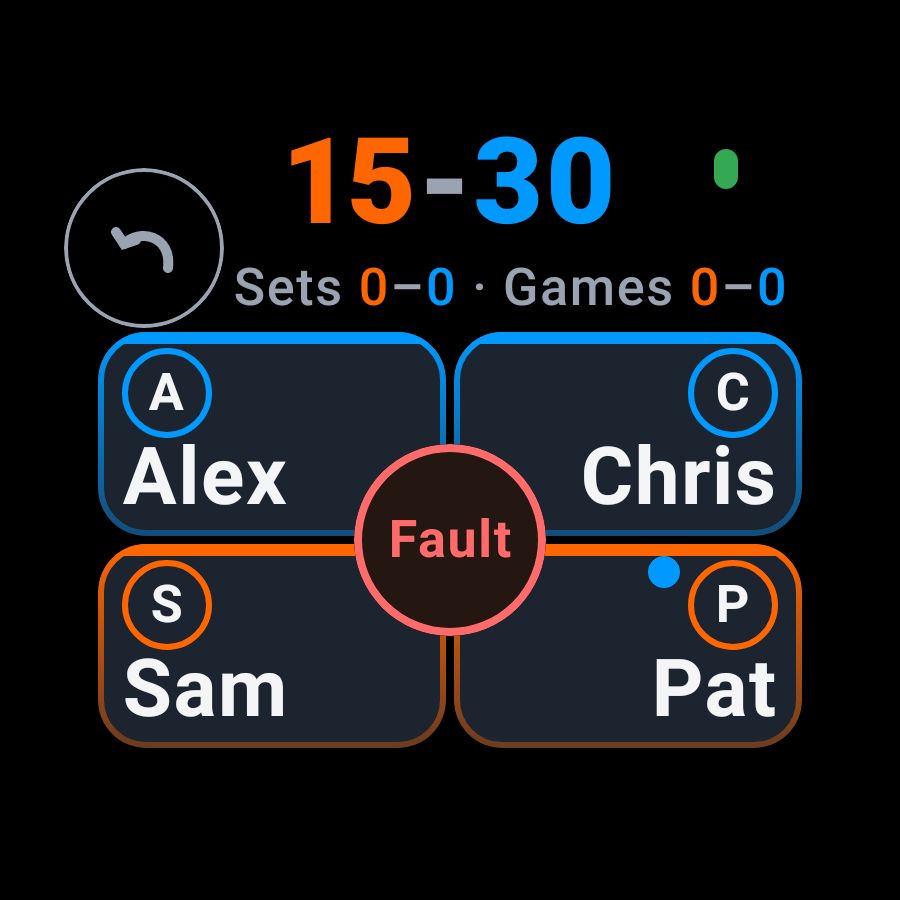
Tap the player who won it, then choose the shot.
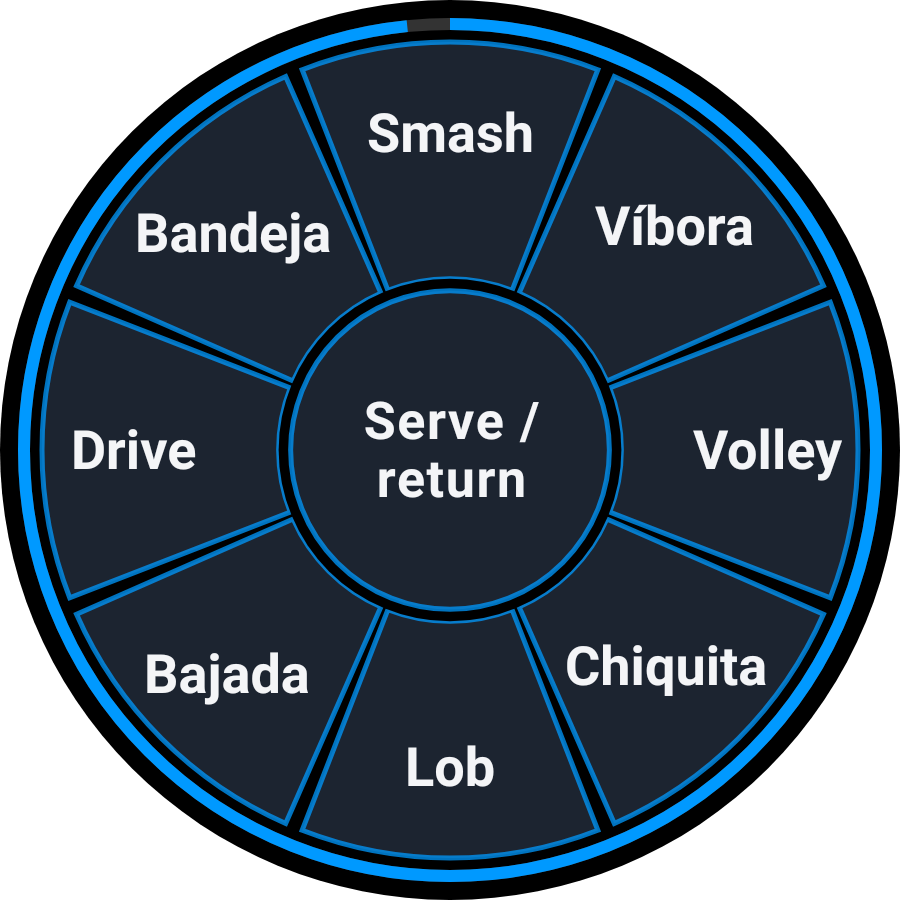
For a win with position, press and start sliding straight away. Lift over the zone.
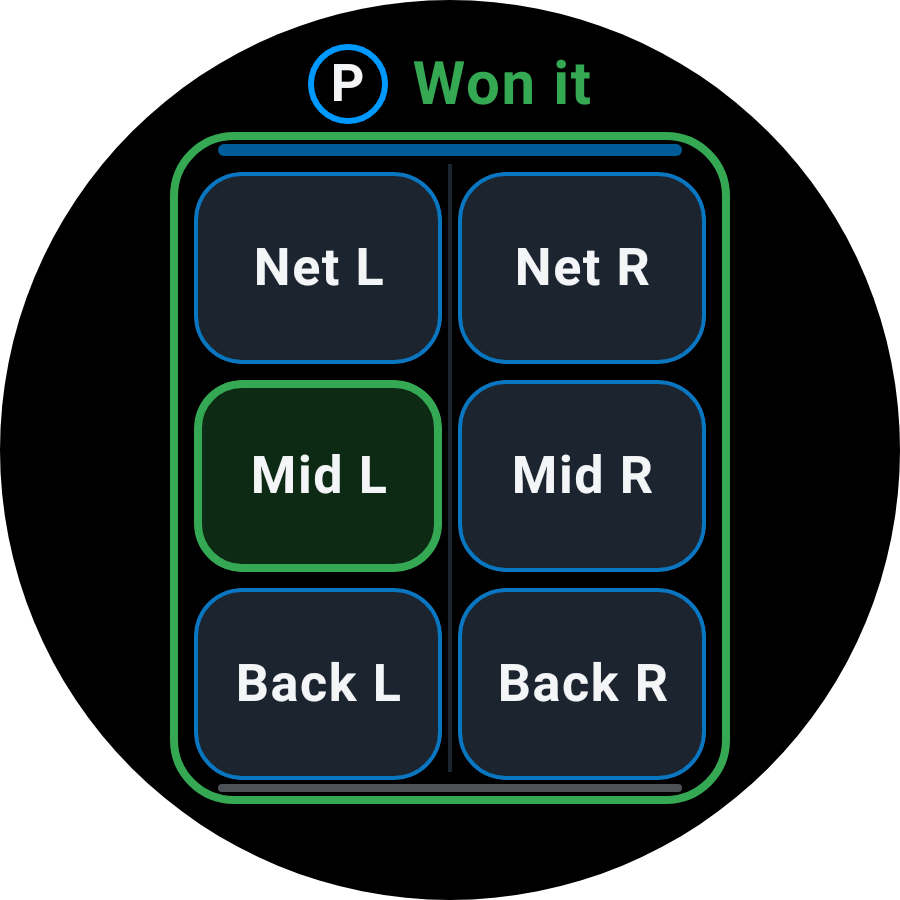
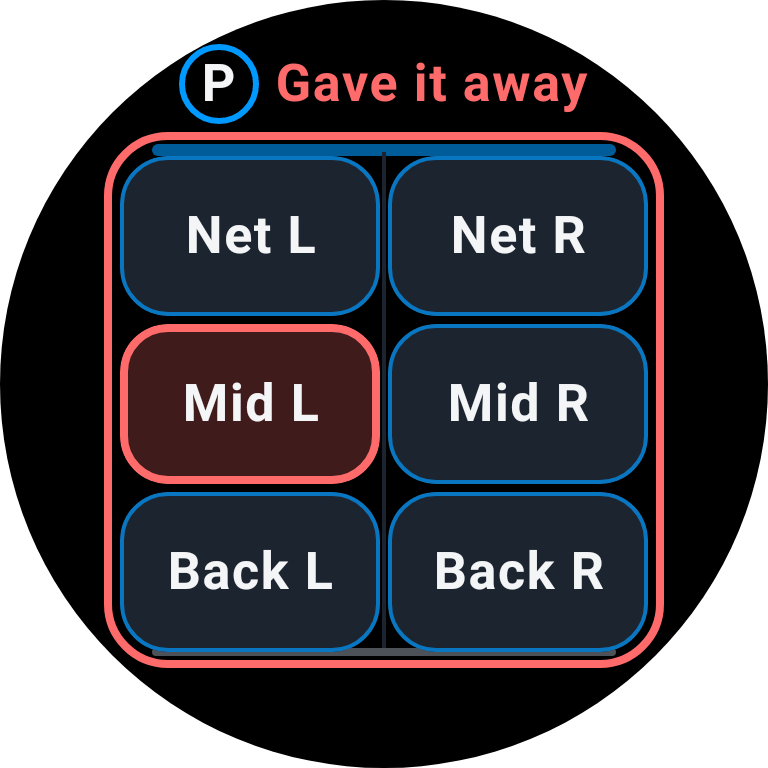
For an error, hold still first. When Gave it away appears, slide to add position or lift.
Skip position: tap the person, then the shot. For an error, hold the person first.
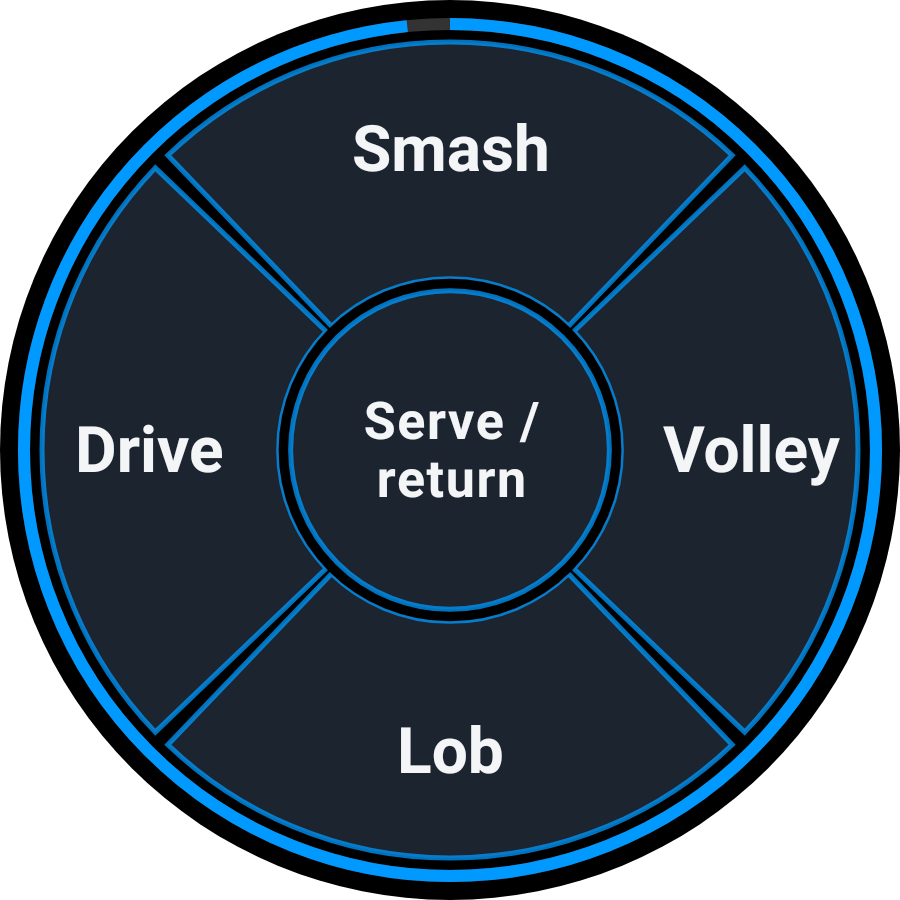
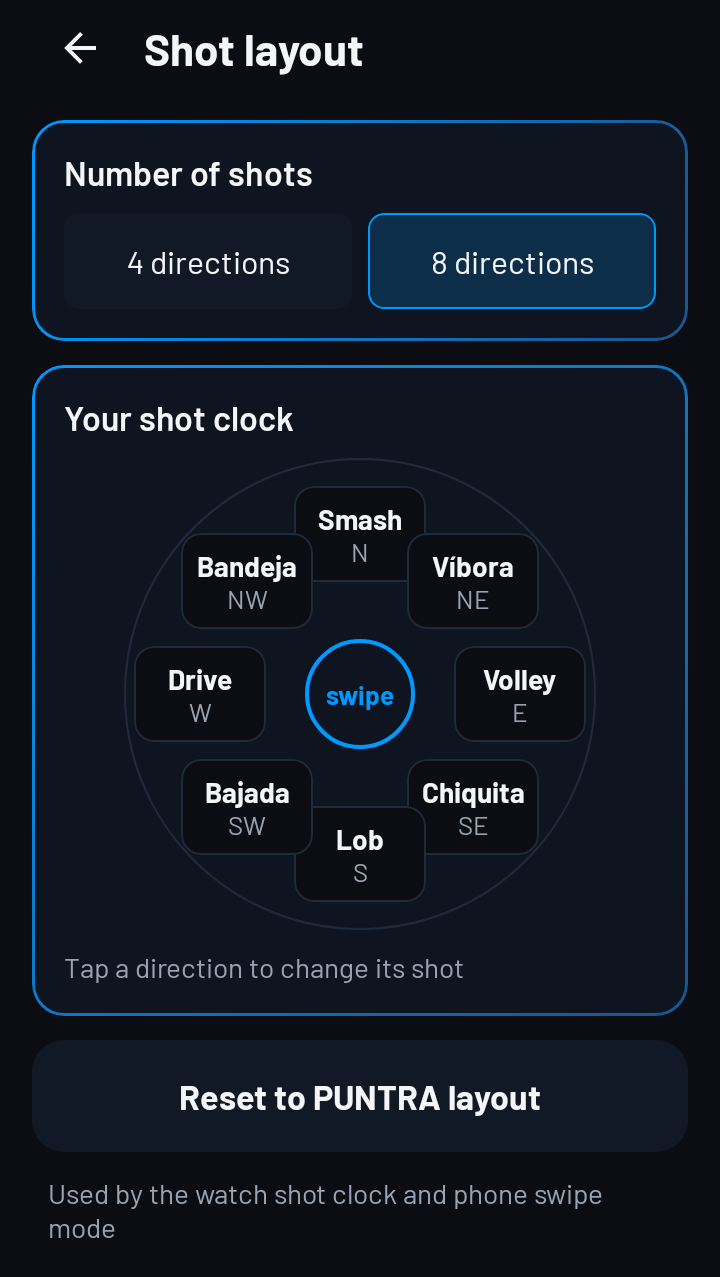
Tap or swipe to choose the shot. Tap the centre for serve or return.
Choose four or eight shots in your phone's Shot layout settings.
Let the ring finish to leave the shot unrecorded.
Use Undo to correct the last point. The Guide explains the other watch controls.
We don't sell your data. Your match analysis, scouting and health data stay private to you, unless you choose to share them.
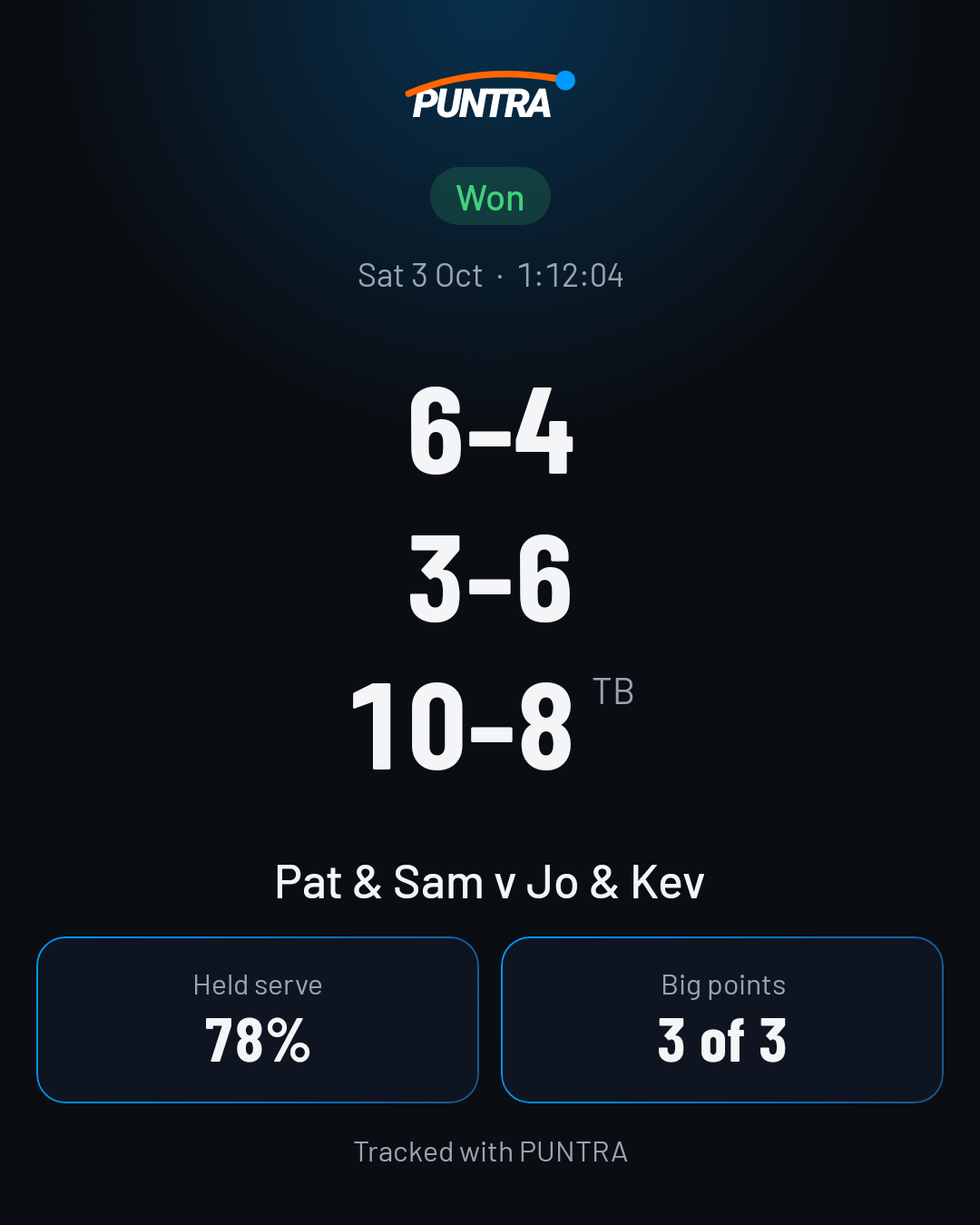
Send the scorecard as an image and text through your phone’s share sheet.
You can share a saved result from its Match Summary or match detail.